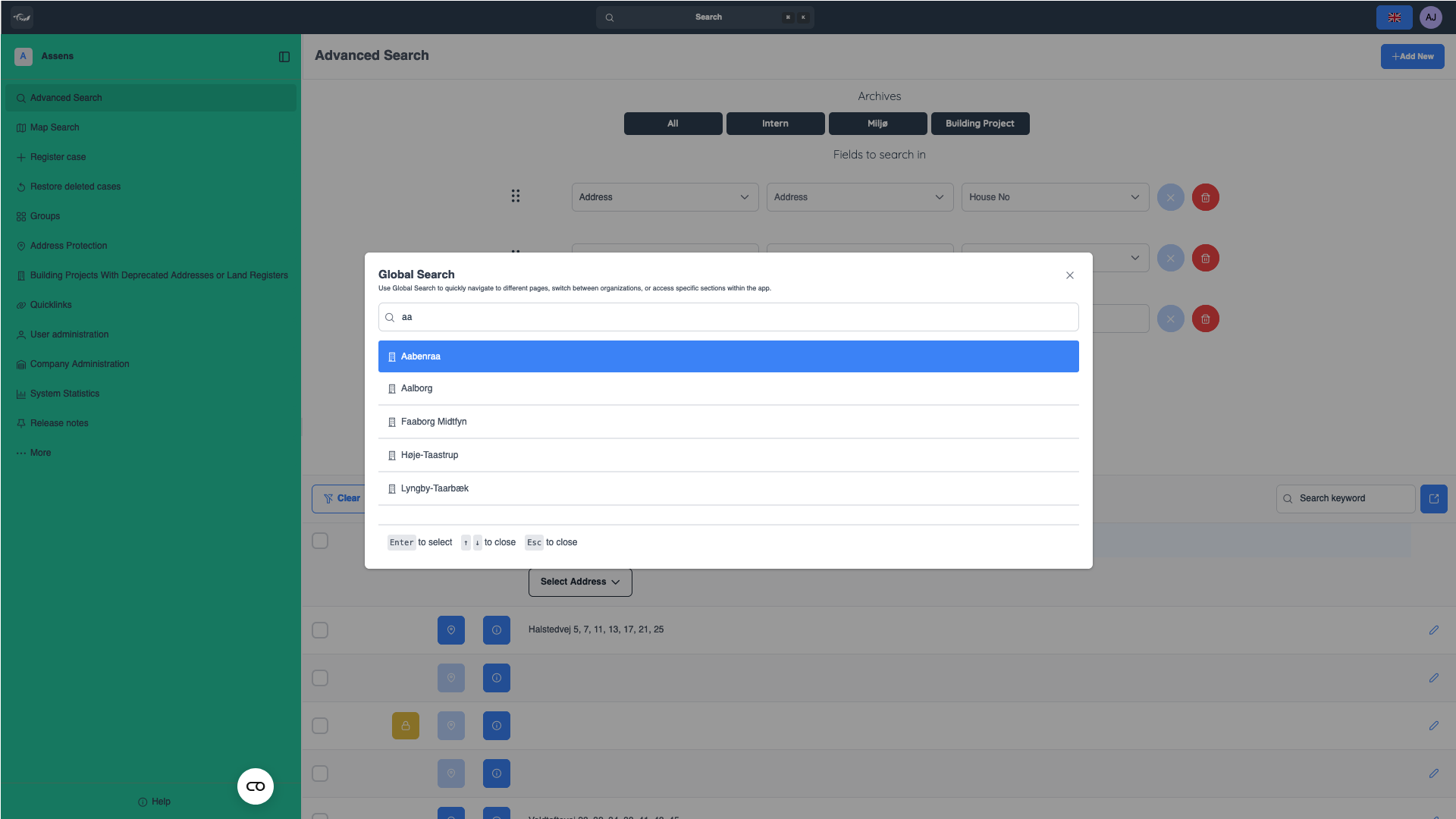
Global Search
Global Search lets you quickly navigate between pages, switch organizations, or jump to specific sections within the app. It's designed for speed and convenience, allowing you to easily find anything with just a few key presses. You can also use your keyboard to move through and select search results, making it even faster to get where you need to go.
Navigate pages or section
Need to quickly access a specific page or section? Just click the search bar at the top of the page, or use the Ctrl + K shortcut for an even quicker way to open the search. Start typing the name of the page or section you’re looking for, and as you type, suggestions will appear. Once you see the right option, simply press Enter to go there instantly.
Click the search bar at the top of the page. You can also use the “Ctrl + K” shortcut.
Search for any page or specific section within the app.
Press “Enter” to select the option.
Switch organization
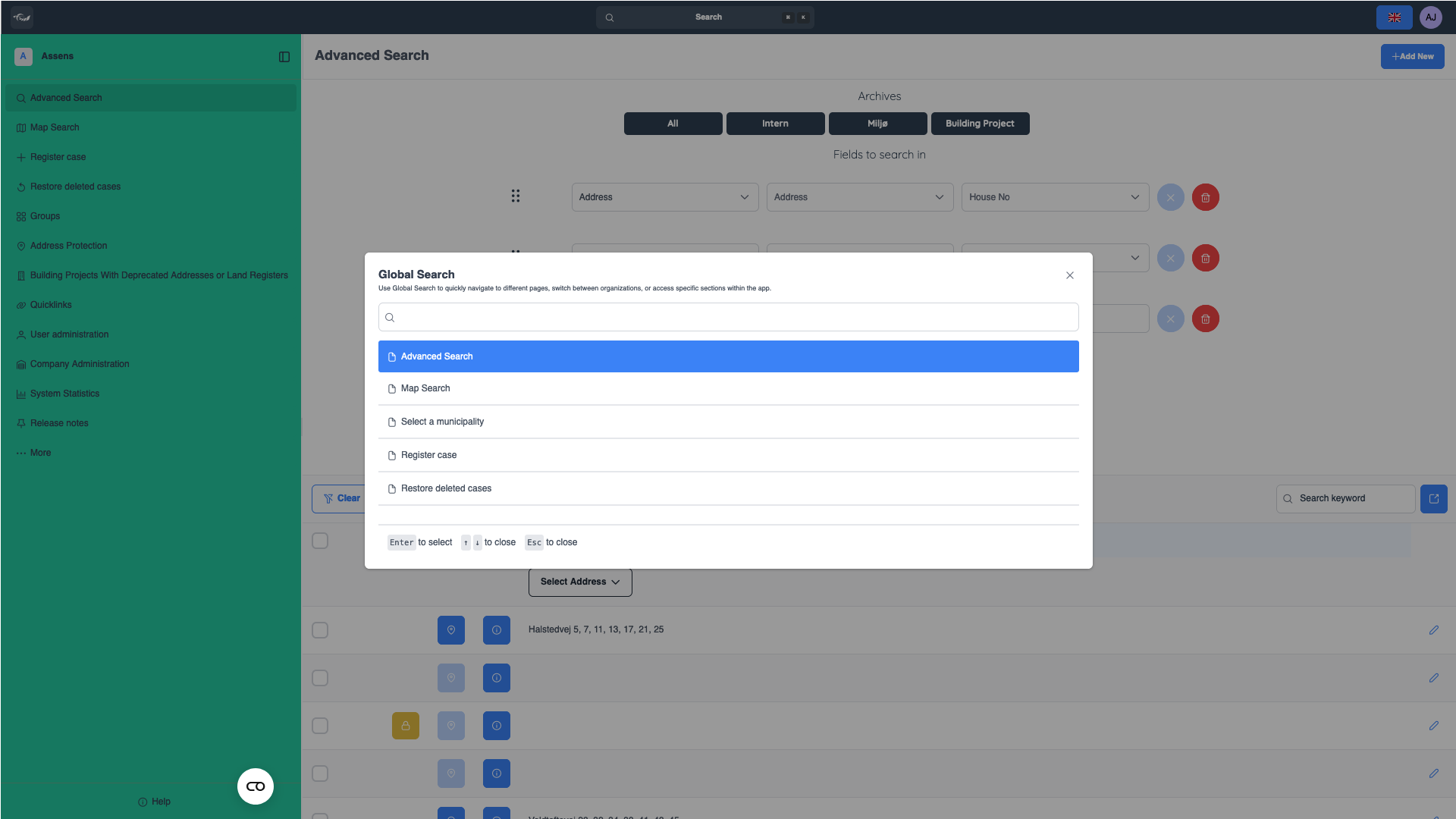
If you’re part of multiple organizations, Global Search also makes it easy to switch between them. Open the search bar using the Ctrl + K shortcut or by clicking it at the top of the page. Type the name of the organization you want to switch to, and when it appears in the results, press Enter to select it. You'll be instantly taken to that organization’s workspace.
Click the search bar at the top of the page. You can also use the “Ctrl + K” shortcut.
Search for any organization.
Press “Enter” to select it.